Reference → Generate → Edit → Extend
Connect source assets and creative intent in one controlled flow, from first prototype to final delivery.
 Seedance 2.5
MULTIMODAL VIDEO GENERATION / 2026
Long-form storytelling × high-reference fidelity × precise editing × multilingual creation
Reference up to 50 images, videos, and audio files. Generate up to 30 seconds, edit and extend at professional quality, and tell stories in more than 10 languages—all within one production flow.
HIGH-FIDELITY PREVIS → FINAL OUTPUT SEEDANCE 2.5
Move beyond one impressive generation to a repeatable, scalable process that keeps every video ready to deliver.
Connect source assets and creative intent in one controlled flow, from first prototype to final delivery.
Tell a longer story in one generation.
Combine images, video, and audio.
Create for global audiences.
Carry subjects, motion, style, audio, storyboards, and keyframes into a new production with high fidelity to both the source assets and the intended composition.
Edit subjects, wardrobe, backgrounds, expressions, cameras, and audio—even within a defined time range—while preserving everything else.
Extend a story forward or backward while preserving visual and audio consistency, or build seamless transitions between separate clips.
Turn multiple images and videos into a short-form edit complete with text, stickers, transitions, and a social-ready format.
Preserve the structure and direction of a white-model previs, then render it as a synchronized final scene.
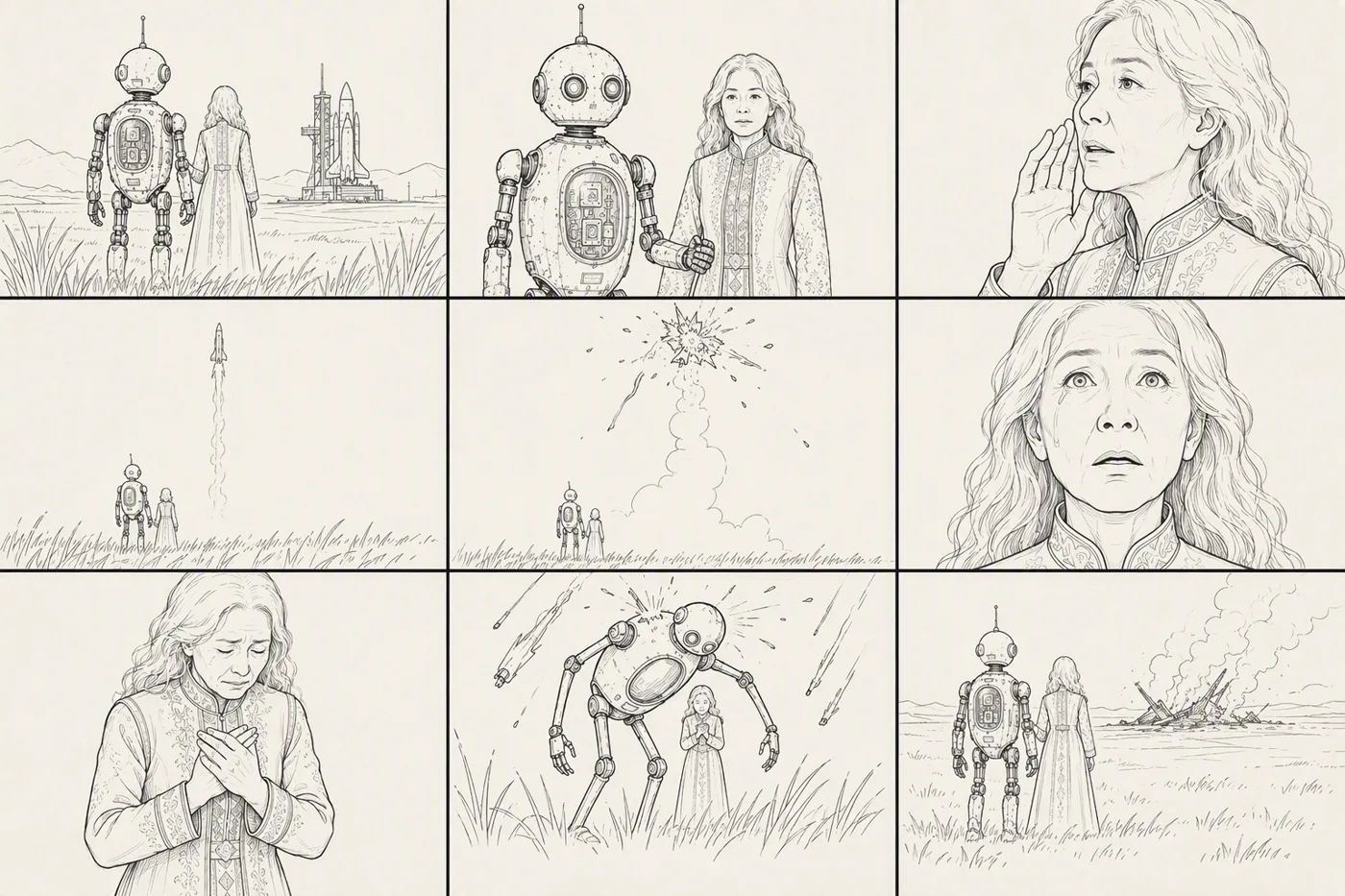
Combine storyboard composition, movement, and narrative with dedicated environment and character references.
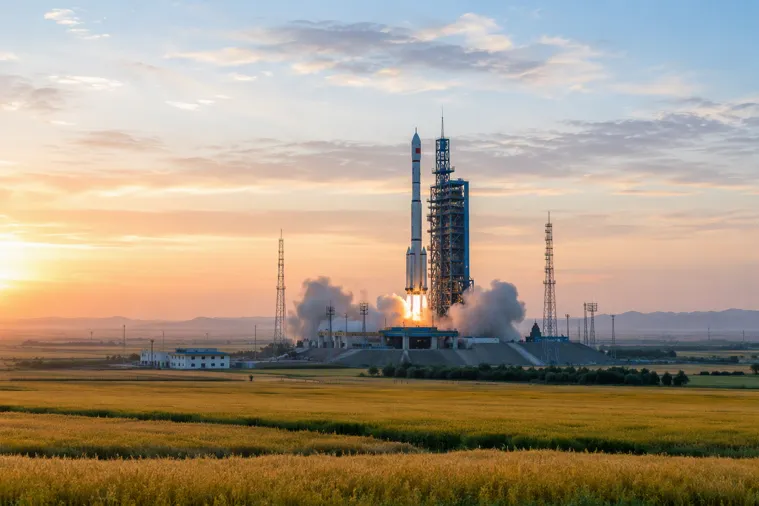

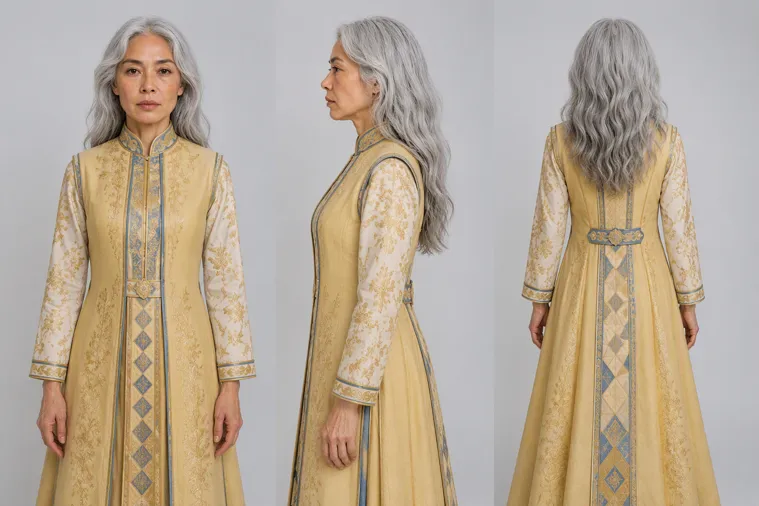
Number each image, video, and audio file, then state exactly what the model should reference.
Subject + location + event + genre or style + camera direction.
Use whole-second timestamps to direct visuals, camera moves, action, dialogue, and sound.
Specify the framing, light, sound, mood, and quality that must remain consistent throughout.
Edit or extend a defined range until the result is ready to deliver.
Change a subject or a defined time range while preserving the composition, camera, lighting, and timing.
EDIT INSTRUCTION“Keep the composition, camera, lighting, and timing. Change the woman from her 20s to her 60s. Her tears gradually become a smile.”
Infer the missing movement between two uploaded videos and generate a natural bridge.
Turn multiple inputs into a social-ready format.
Control the location, wardrobe, and subject with reference images.
Synchronize English dialogue with natural lip movement and no burned-in subtitles.
Replace abstract wishes with explicit asset roles, visible actions, timing, and the elements that must not change.
Use the person in Image 1, the camera move in Video 2, and the melody in Audio 3.
Subject + location + event + style + distinctive camera movement.
[0–3 sec] Direct visuals, camera, action, dialogue, and SFX at whole-second timestamps.
Light, framing, sound, mood, continuity, and quality. “No subtitles.” “No BGM.”
Stable production comes from defining what each input should control—not simply adding more files.
Up to 4K each
Up to 30 seconds total
Up to 30 seconds total
Per generation
Subjects: 1–8 images / 1–5 audio or video files
Storyboards: Up to 15 frames, with minimal text
Video editing: Up to 20 seconds
Explore the Seedance 2.5 Multimodal Video Generation User Guide for task selection, asset preparation, prompt design, and practical examples.